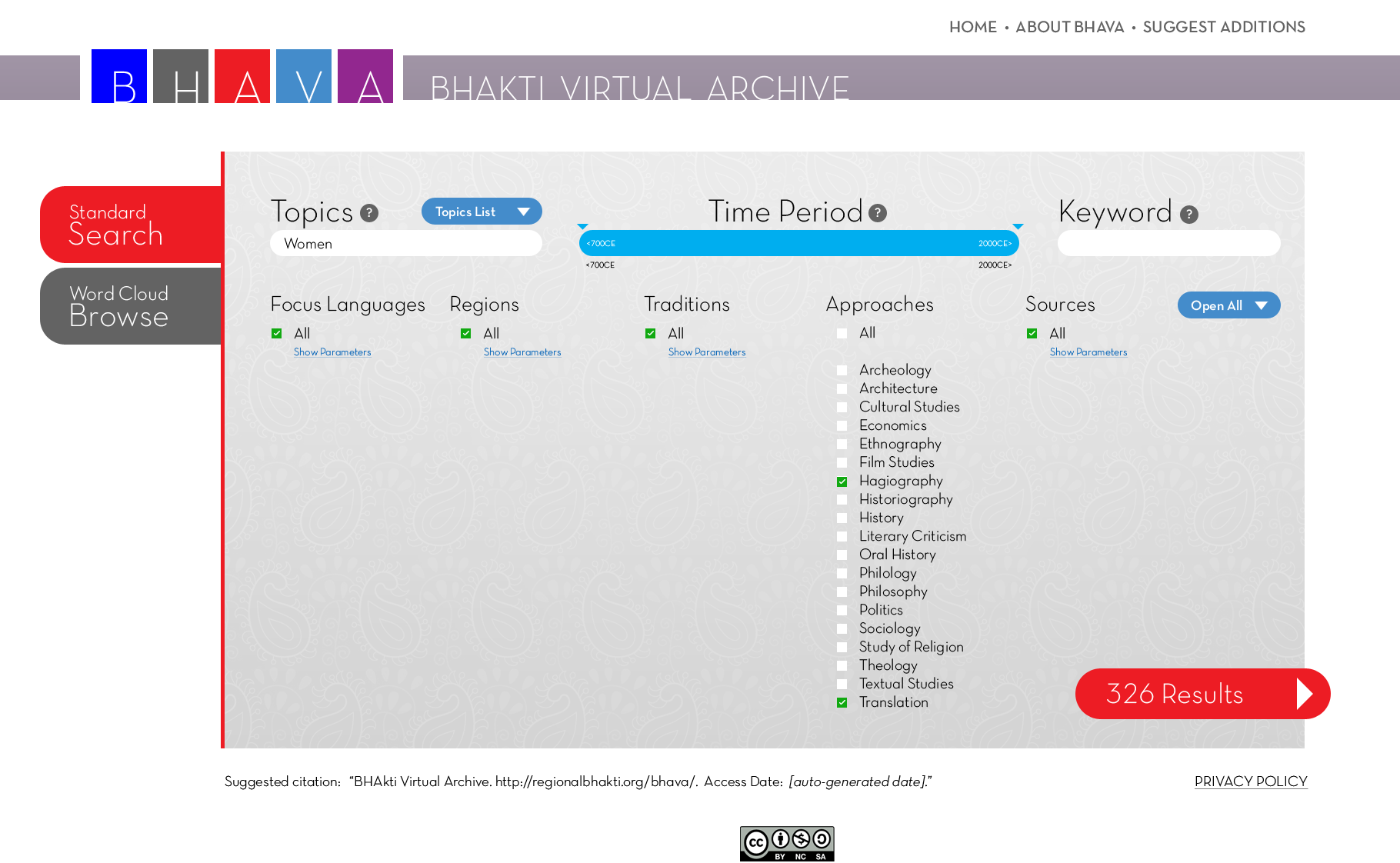
3. Here, the user has selected "Women" as a topic (from the pop-up window of all Topics, which we’ve left implied in this image) along with "Hagiography" and "Translation" in the Approaches facet. The Keyword field is left empty, and all parameters on all other facets are selected. Notice the number of results has been reduced to 326 based on these filters. The user could now add further parameters to the search or click to see the all results.
But before we see the results pages, let's look at the Word Cloud Browse mode for searching. Click anywhere on the image below to continue.