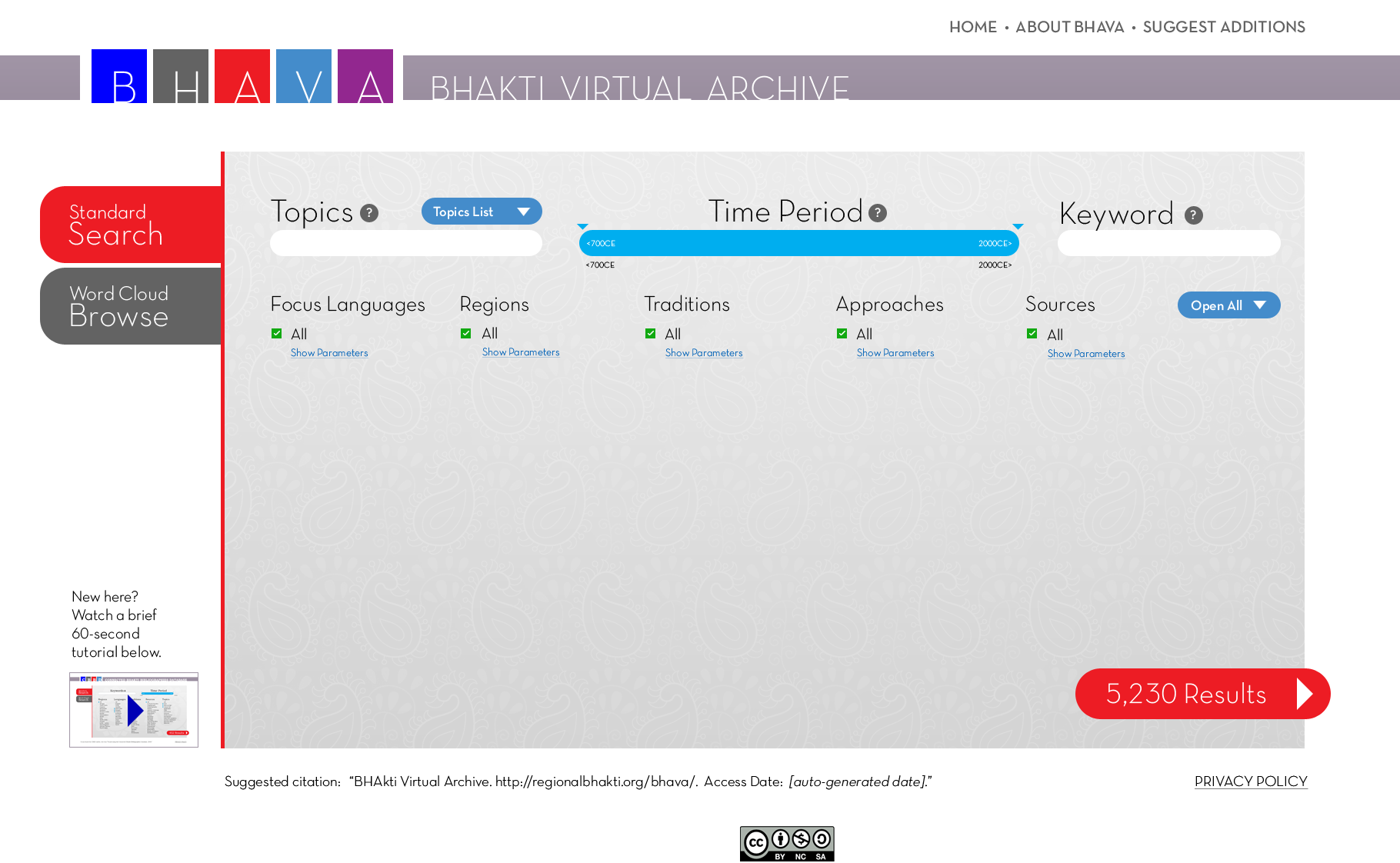
1. Users would arrive in BHAVA at the Standard Search mode screen. By default, all facet parameters are selected, the time period is unrestricted, no keywords are applied. “5,230 Results” represents the total number of records in BHAVA (again, only an estimation).
Topics (upper left) is a facet like Focus Languages and Regions, but it will contain too many options to display vertically like the other facets. Clicking on Topics List would pop up a window with all the parameters. The Time Period facet functions as a slider here. Keywords allows users to search for a word anywhere in bibliographic records, including title and author.
In the lower left of the screen is a link for a 60-second video tutorial for newcomers.
Click on the image below to advance to the next screen, or use the number key at the very bottom of the screen.