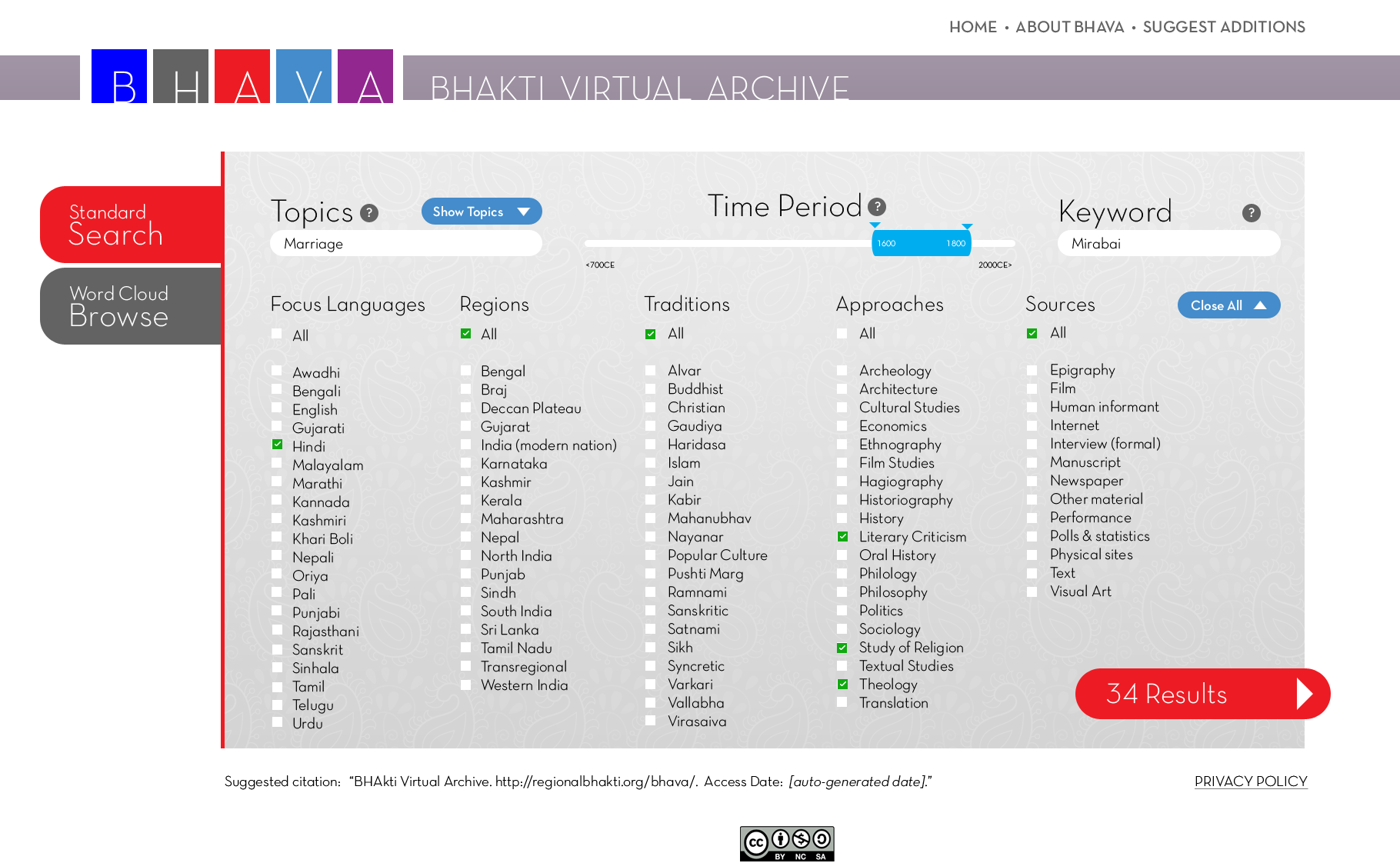
2. In this Standard Search mode screen, we've shown what it might look like if a user has opened all search parameters and started to narrow a search. (Note: this is not an actual search; it is an informed imaginary scenario that demonstrates visually what a user might see.)
As the user selects parameters and, in this example, adds an optional keyword (Mirabai), the "Results" number (lower right) updates automatically. If the chosen filters would result in zero sources, the results button would appear grey and not be clickable.
Click anywhere on the image below to view another possible search.